Suno Downloader AI
AI drum generator: build the groove your track stands on
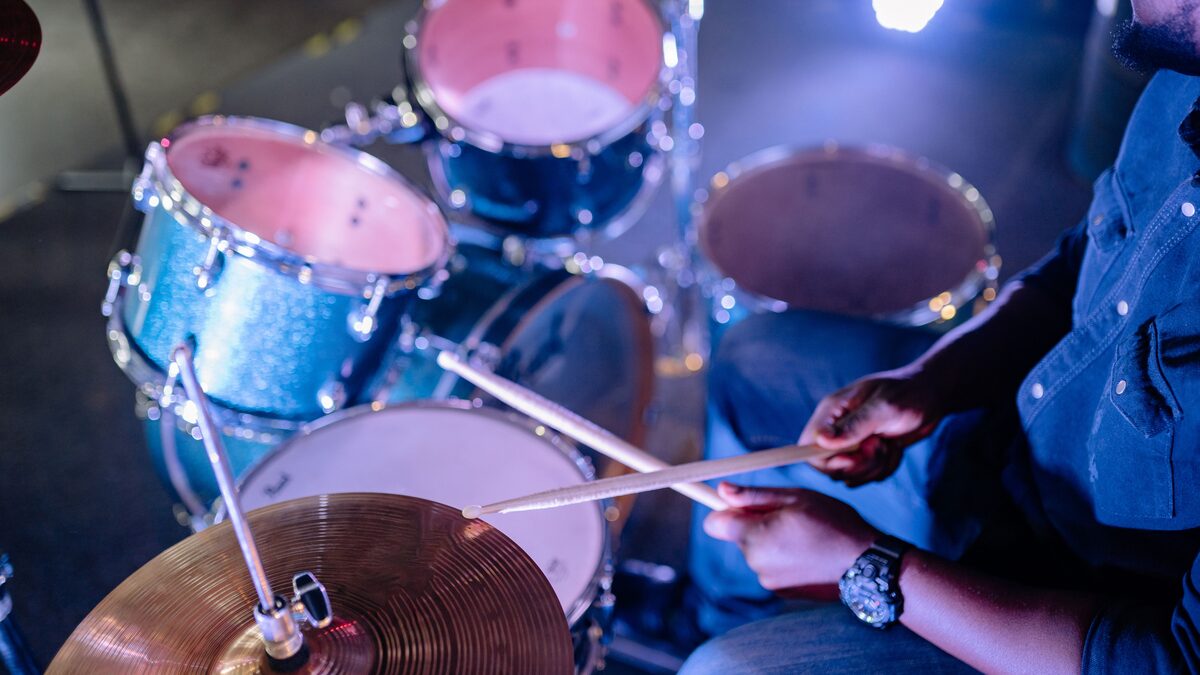
Strip away the melody, the vocals, and every clever chord from almost any song you love, and the drums will still hold. Tap the beat on a table and people recognize the track. That is because the drums are the backbone. They set the tempo, mark the energy, and tell your body whether to nod, dance, or sit still. Everything else in a song is decoration hung on that frame. Get the drums wrong and no amount of pretty melody saves the track. Get them right and you can build almost anything on top.
An AI drum generator lets you create that backbone by describing it in words instead of programming every hit by hand or hiring a drummer. If you have used a tool like Suno, you already know it generates full songs from a prompt. The same engine can give you a drum groove, either as part of a complete arrangement or as a percussion-forward track you build the rest of the song around. This guide is a practical walk through how that works and how to get drums with the exact feel you are after.
How AI builds the groove inside a song
It helps to understand what is actually happening when you generate music, because it changes how you prompt. An AI music model does not assemble a drum pattern from a library of loops and then bolt a melody on top. It generates the whole piece at once, having learned from a huge range of real music how drums, bass, chords, and everything else fit together. The groove it produces is shaped by the style you ask for, and it arrives already locked to the rest of the arrangement.
This has a direct consequence for how you work. You do not describe drums in isolation the way you might dial in a drum machine. You describe a piece of music, and the drums come out matched to it. Ask for a laid-back soul track and you get a relaxed, behind-the-beat groove that fits the genre. Ask for aggressive drum and bass and you get fast, chopped breaks because that is what the style demands. The most powerful lever you have over the drums is the overall style and energy you name in the prompt.
That does not mean you have no direct control over the rhythm. You have plenty, as long as you point it through the language of feel and genre rather than trying to specify individual drum hits. The rest of this guide is about using that language well.
It also helps to think about the drums as one voice in a conversation rather than a metronome running underneath everything else. In a real recording, the kick locks to the bass, the snare answers the vocal, and the hi-hats fill the gaps the melody leaves open. Because the model learned from music where all of that already happened, the groove it hands you tends to sit in the pocket with the other parts rather than fighting them. That is a strength worth working with. When your generation sounds good, it is often because the drums and the rest of the arrangement agree, and when a beat feels off, the fix is usually in the overall style you asked for rather than in the drums alone.
Prompting for a specific drum feel
Getting the drums you hear in your head comes down to naming three things clearly. The genre, the energy, and the density. Cover those three and the model has what it needs to build the right groove.
Genre is the strongest signal, because so much rhythmic information is bundled into a style name. "Boom bap hip hop" tells the model to produce a punchy kick and snare with a certain swing. "Four on the floor house" specifies a steady kick on every beat. "Half-time trap" implies a slow, heavy backbeat with fast hi-hats over the top. Reaching for the right genre term does more work than a paragraph of description, so it pays to learn the names of the rhythms you like.
Energy is the next lever. The same genre can be sleepy or ferocious, and the model responds to words like "driving," "laid-back," "relentless," "gentle," and "explosive." Pair the energy word with a tempo if you have one in mind, since telling the model you want a slow, heavy groove at around eighty beats per minute removes a lot of guesswork. Tempo and energy together shape how the drums make a listener's body respond.
Density is the third and most overlooked lever. This is the difference between a busy, hyperactive kit and a spare, minimal one. Words like "sparse," "minimal," and "stripped back" pull the drums toward fewer, more deliberate hits. Words like "busy," "intricate," and "syncopated" fill the bar with movement. Many beginners forget to specify this and then wonder why the drums feel either cluttered or thin. Naming the density directly is one of the fastest ways to fix a groove that is close but not quite right.
Put those three levers together in a single sentence and you have a strong prompt. Something like "a sparse, laid-back boom bap groove at around ninety beats per minute" tells the model the genre, the energy, the density, and the tempo all at once, and it has very little left to guess. Compare that to simply asking for "a hip hop beat," which leaves every one of those decisions open and hands you whatever the model reaches for first. The more of the picture you fill in with clear, familiar terms, the closer the first take lands to what you were hearing in your head, and the fewer generations you burn getting there.
One more habit is worth building early. When a groove comes out almost right but not quite, change one thing in the prompt and generate again rather than rewriting the whole description. If the drums felt too busy, add "sparse" and keep everything else the same. If they felt sleepy, swap in "driving." Treating the prompt like a set of dials you adjust one at a time teaches you what each word actually does, and within a few sessions you will have a reliable sense of which term to reach for to fix any given problem.
Getting a drum-focused or percussion track
Sometimes you do not want a full arrangement, you want the drums out front, either to feature them or to use them as a bed for your own production. There are a few ways to steer a generation toward that.
The most direct is to ask for it in plain terms. Prompt for a "drum-heavy" or "percussion-driven" piece, or a track that is "mostly drums with minimal melody." You can push further and ask for a "drum solo," a "percussion break," or a "rhythm section groove with light instrumentation." The model will foreground the kit and keep everything else quiet and supporting. This is ideal when the rhythm is the point, for a workout track, a dance breakdown, or a sample you plan to chop.
An instrumental generation is your friend here too, because removing vocals clears space and puts the rhythm and groove at the center of the piece. If your tool offers an instrumental option or you prompt for "instrumental," you strip out the element most likely to pull attention away from the drums. From there you can lean the prompt toward percussion and get something close to a usable drum bed.
Keep your expectations calibrated. An AI music generator produces a finished piece of audio, not a set of separated drum stems you can freely remix hit by hit. What you get is a great-sounding groove baked into a track. That is perfect as a foundation, a reference, or a sample source, and it is a different thing from a MIDI pattern you edit note by note. Knowing that difference up front saves frustration and points you toward the workflows where generated drums shine.
If you do want to isolate the drums from a generated track for chopping or resampling, that becomes a job for a separate stem-separation step after you have the audio file, rather than something you ask the generator for directly. Plenty of producers work exactly this way, generating a groove they like, downloading it, and then splitting it into parts in another tool. It is worth knowing the boundary so you reach for the right approach. The generator gives you the performance, and any surgery on that performance happens downstream once you hold the file.
Matching drums to the style
The single biggest quality difference between amateur and convincing beats is whether the drum sound and pattern actually belong to the genre. Real styles have signature drum fingerprints, and matching them is what makes a track read as authentic. A jazz brush pattern under a trap melody sounds wrong to anyone who knows either genre. Coherence is what you are after.
The good news is that when you generate a full piece by naming a genre, the model handles most of this matching for you, because it learned the pairing of drum sound and style from real music. Your job is mostly to be consistent in the prompt. If you ask for a lo-fi hip hop track, do not also ask for crisp, hard-hitting modern drums, because those pull in opposite directions and you get a muddled result. Let every part of the prompt point at the same world.
When you do want to bend a genre, do it deliberately and one step at a time. Asking for a "cinematic version of a boom bap beat" or a "trap groove with live jazz drums" can produce something fresh, but it works best as a single, clear twist on a known style rather than a pile of contradictions. Generate a few takes, since combinations like these are exactly where trying several versions pays off and one will usually land far better than the rest.
Drum styles by genre
A short map of common drum feels helps you reach for the right term quickly. Use these as starting points in your prompts.
| Genre | Drum feel to ask for |
|---|---|
| Boom bap hip hop | Punchy kick and snare, swung, dusty, mid-tempo |
| Trap | Booming 808 kick, sharp snare on the backbeat, fast rolling hi-hats |
| House | Four on the floor kick, crisp offbeat hi-hats, steady and driving |
| Drum and bass | Fast chopped breakbeats, heavy sub, relentless energy |
| Rock | Solid backbeat, live kit, powerful and steady |
| Funk and soul | Tight, syncopated, laid-back, plenty of ghost notes |
| Lo-fi | Soft, dusty, relaxed, slightly loose timing |
| Latin | Layered percussion, congas and shakers, rolling and warm |
Treat these as a vocabulary rather than a rulebook. The words in the right-hand column are the kind of language that steers a generation well, and mixing a genre name with one or two of these feel words gives the model a clear target. Over time you will build your own list of terms that reliably produce the drums you like.
Using drums as a foundation to build on
Once you have a groove you love, it becomes the base of a larger project. The most common approach is to generate a percussion-forward or instrumental track, download it, and bring it into your own setup as a foundation. Over a solid groove you can layer your own bass, add a melody, record a vocal, or arrange a full song, with the drums holding the tempo and energy steady underneath everything you add.
To do any of that, you need the audio as a real file on your machine, not something living behind a player. Generate the drum-focused track, then download it so you have a clean file to drop into your DAW. From there it lines up to a grid, loops, and sits under whatever you build on top. You can pull the file with the free downloader on the home page and get straight to producing.
Get the groove, then build on it
Generate a drum-forward track, download a clean file, and drop it straight into your project as the foundation.
Open the free downloaderGenerated drums are also a strong reference and idea source even when you plan to program your own kit in the end. Generate a few grooves in the style you are chasing, listen to how the model places the kick and snare, how busy the hi-hats are, and where the fills land, and let that guide the pattern you build by hand. It is a fast way to get the feel of a genre into your ears before you commit to your own drum work.
Layering is where generated grooves reward a bit of patience. A single downloaded track gives you one groove, but you can generate several in the same style and tempo, then stack sections of them to build variation across a song. Use one for the verse, bring in a busier one for the chorus, drop to a stripped version for a breakdown, and the arrangement gains movement without you programming a single hit. As long as the tempos match, the pieces line up on the grid, and the transitions between them become part of the energy of the track rather than a problem to solve.
One note on rights, since you may be building commercial tracks on these foundations. Music you generate yourself is your own AI audio and is safe from the copyright claims that come with sampling someone else's record. Whether you can use it commercially depends on the plan and terms you generated it under, so check what your account allows before you release anything built on top of a generated groove.
The drums are where a track lives or dies, and getting them right no longer means owning a kit or programming every hit. Name the genre, the energy, and the density, steer the generation toward the rhythm, download the groove you like, and build. The backbone is the hardest part to fake and now the easiest part to start with, which means you get to spend your energy on the music you hang on top of it.