Suno Downloader AI
How to turn lyrics into a song with Suno
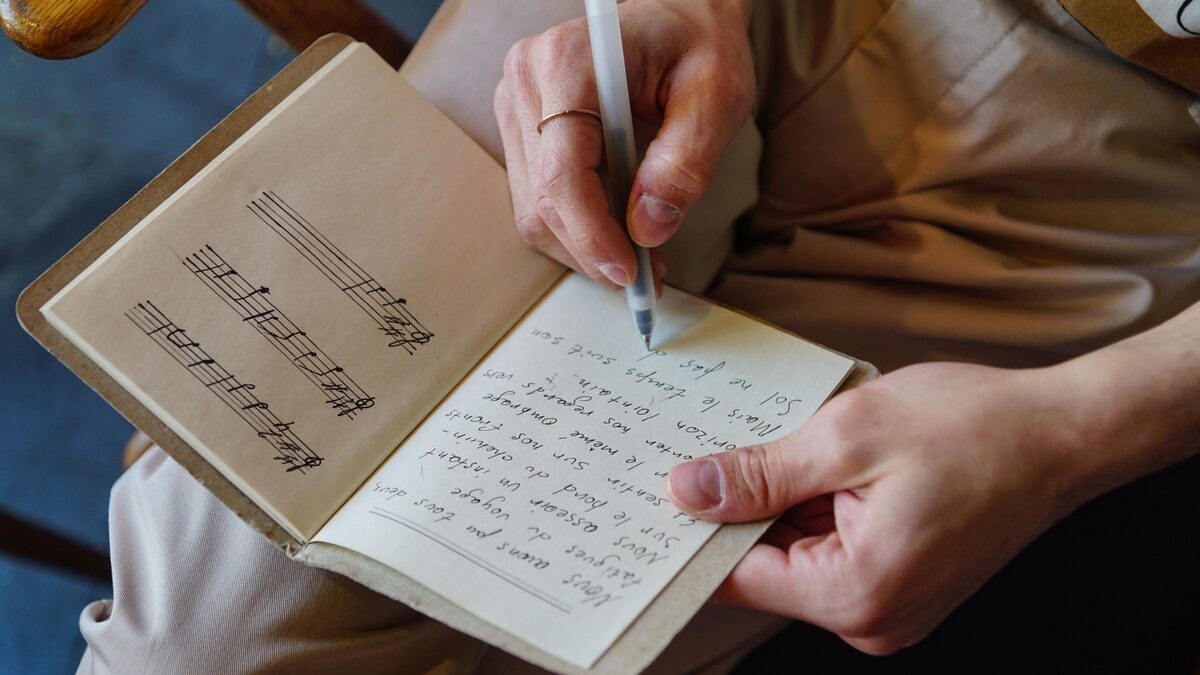
You already have the hard part done. The words are written, the story is there, maybe you have been sitting on these lyrics in a notes app for months. What you are missing is the music: the melody, the beat, the voice that makes words into a song. That is exactly the gap Suno fills. You paste your lyrics, tell it what kind of song you hear in your head, and it generates a full recording with vocals and instruments. This guide shows how to turn lyrics into a song properly, using custom mode, structure tags, and a style you choose, so the result matches what you imagined instead of surprising you. By the end you will have a finished track downloaded and ready to share.
Why custom mode is the right tool for existing lyrics
Suno has two ways to work. The simple mode takes a short description and writes both words and music for you, which is great when you are starting from nothing. But you are not starting from nothing, you have your own words, and you want those exact words sung. That is what custom mode is for. It gives you a lyrics box where your text goes in untouched, and the tool builds the melody and arrangement around it. Skipping custom mode is the most common mistake people make here, because the simple mode may rewrite or ignore your carefully chosen lines. Go straight to custom.
Getting your lyrics ready to paste
Before you paste anything, do a quick pass on the text itself. Clean lyrics produce a cleaner song. Make sure each line is a natural phrase, the kind you could say in one breath, because that is roughly how it will be sung. Remove stray notes to yourself, chord names, or formatting that is not meant to be sung. Decide where your verses, choruses, and any bridge actually are, because you are about to mark those. A tidy lyric sheet with clear sections gives the tool a much better map of your song than one long block of text. It is worth reading your lyrics out loud at this stage too, tapping a steady beat with your hand as you go. Lines that feel awkward to say will usually feel awkward to sing, and catching them now saves you a round of regenerating later. Think of this cleanup pass as tuning the instrument before you play it.
Using structure tags to shape the song
This is the single biggest lever you have. Suno reads bracketed tags in your lyrics that tell it what each section is. Adding these turns a flat wall of words into a song with real dynamics. The common tags are straightforward:
- [Verse] for the storytelling sections that build the song.
- [Chorus] for the repeated hook, which the tool will make feel bigger and more memorable.
- [Bridge] for a section that shifts the mood, usually near the end.
- [Intro] and [Outro] for the opening and closing moments.
Place a tag on its own line right before the lines it applies to. When Suno sees [Chorus], it knows to lift the energy there and to treat repeated choruses consistently, so your hook actually sounds like a hook. Without tags, the tool guesses, and it often guesses wrong.
Marking repeats and instrumental moments
You can go further than the basic sections. If your chorus repeats, you can either paste the full chorus each time or label it so the tool repeats it. Pasting it in full usually gives you the most reliable result. You can also add an instrumental tag where you want the vocals to drop out and the music to breathe, which is handy for a solo or a moment of space before the final chorus. These small markers give your song a shape that feels arranged rather than read straight through. A short instrumental intro before the first verse, for instance, gives the song a moment to establish its mood before your words arrive, which almost always sounds more polished than dropping straight into singing. Likewise, a brief instrumental break before the final chorus builds anticipation and makes that last chorus feel like a payoff. You do not need many of these, but a couple of well-placed instrumental moments can make an amateur song feel professionally arranged.
Writing a style description that matches your words
Once your lyrics are in, you tell Suno what the song should sound like. This is a short text description, and specificity pays off. Name the genre, the mood, the tempo, and the kind of voice you want. A vague prompt like a good song gives you a random result. Something like slow emotional piano ballad, female vocal, gentle gives the tool a clear target. Think about what the lyrics are about and let the music serve that. Sad breakup lyrics over an upbeat party beat can work as irony, but usually you want the music and the words pulling the same direction. If you want to go deeper on crafting these descriptions, our guide on writing Suno prompts that sound professional breaks down the exact words that steer the sound.
Choosing the vocal that fits the song
The voice carries the emotion of your lyrics, so choose it with intent. A soft female voice suits tender or reflective words. A gritty male voice fits rock or raw storytelling. A smooth soulful vocal lifts a love song. You steer this inside your style description with phrases like warm male baritone or bright pop female vocal. If the first voice does not fit the feeling of your words, that is one of the quickest things to change on a regenerate, so treat the first result as a draft and keep refining until the voice matches the story you wrote.
Generating your first version
With lyrics tagged and a style described, generate. The tool usually gives you a couple of takes to compare. Listen to each all the way through, not just the opening, because a song can start strong and lose you at the chorus or vice versa. Pay attention to whether your key lines land clearly, whether the chorus feels bigger than the verses, and whether the overall mood matches what you intended. Note what is off so you can fix it deliberately rather than just rolling the dice again. It helps to listen twice, once for the overall feeling and once focused on the details. The first pass tells you whether the song works as a whole, and the second tells you exactly which line, section, or vocal choice needs attention. Writing down two or three specific notes before you touch anything keeps your refining focused instead of scattershot.
Refining what you get back
The first generation is rarely the final one, and that is normal. Refining is where a decent song becomes yours. Common fixes:
- If the mood is wrong, adjust the style words. Add slower, softer, more energetic, or a different genre.
- If a line gets rushed or mumbled, shorten it or break it into two lines so the singer has room.
- If the chorus does not stand out, make sure it is tagged and consider making its lines a touch simpler and more repetitive.
- If the voice is wrong, change the vocal description and regenerate.
Change one thing at a time so you can hear what each edit does. Changing everything at once leaves you guessing about which tweak helped.
Fixing lyrics that do not sing well
Sometimes the problem is the words themselves. Lyrics that look great on the page can trip up a melody. Lines with too many syllables get crammed and rushed. Tongue-twister consonant clusters get slurred. Lines of wildly different lengths make the rhythm lurch. If a section keeps coming out awkward no matter the style, revisit the writing. Smoothing the meter so lines in a verse have a similar length, and putting your strongest words where the beat lands, fixes most of it. Our guide to writing lyrics that sing well goes deep on this, and it is worth a read if you find your words fighting the melody.
Happy with how your song turned out?
Paste your Suno link, choose MP3 or WAV, download. Free, no sign up.
Open the free downloaderDownloading the finished track
When a version finally sounds like the song you had in your head, download it so it is really yours. Choose the MP3 for sharing, streaming, and everyday listening, since the file is small and plays on any device. Choose WAV if you plan to mix it further, put it under a video, or want the highest possible quality for release. Getting the file out of the browser and onto your own drive means you can upload it wherever you like, keep it in a project folder, or hand it to a collaborator. Downloading the finished track is also your safety net, so the take you worked hard to get is never lost.
Keeping your original safe
Turning lyrics into a song usually takes a few rounds of generating and refining. When you land on the one, save that exact file immediately and give it a clear name that includes the song title. It is easy to get caught in an endless loop of small tweaks and lose the version that was actually great. Keep the winning original in a dedicated folder and make any further edits on a copy, so your best take is always recoverable no matter how much you experiment afterward.
A repeatable workflow you can reuse
Once you have done this once, the process becomes a routine you can run on any set of lyrics. The reliable sequence is: clean the lyrics, add structure tags, open custom mode and paste, write a specific style description, pick a vocal, generate, listen critically, refine one variable at a time, and download the winner. Follow that order and you avoid the usual frustrations of vague results and buried choruses. The words are yours, the tool handles the music, and with a little refining you get a finished song that sounds the way you meant it to when you first wrote those lines down.
What to do with the song next
A finished track opens up options. Because you wrote the lyrics and generated the music yourself, you have a song you can actually use: post it, put it behind a video, share it with the people it is about, or build a small collection of your work. If a song came out close but not perfect, do not throw away the lyrics, they are reusable. Try them again with a different style entirely and you may discover your words work even better as a folk song than the pop track you first imagined. Your lyrics are the seed, and now you have a fast way to hear them fully grown.
Handling long lyrics and multiple sections
If your lyrics run long, with several verses, a couple of choruses, and a bridge, structure becomes even more important. A long block of untagged text tends to blur together and lose its shape. Break it clearly into tagged sections so the tool understands the arc of the whole piece. Watch the total length too, because very long lyrics can get compressed or feel rushed as the tool tries to fit everything in. If a song feels crammed, consider trimming a weaker verse or splitting the lyrics into two shorter songs. Tight, well-marked lyrics almost always produce a better result than a sprawling wall of words, no matter how good the writing is.
When the melody surprises you
Turning lyrics into a song means handing the melody to the tool, and sometimes it puts the emphasis somewhere you did not expect. A word you thought was minor might get stretched into a big moment, or a line you loved might get sung faster than you imagined. This is normal, and often the surprise is a happy one, revealing a rhythm in your words you had not noticed. When the melody works against the meaning, though, the fix is usually in the lyrics. Rearranging a line so the important word falls where the melody naturally lands, or trimming syllables so a phrase is not rushed, brings the two back into agreement. Treat the first melody as feedback about your words, not just a fixed result.
Matching genre to the emotion of your words
Your lyrics already carry a feeling, and the genre you choose should support it rather than fight it. Reflective, personal words often shine as a folk or acoustic piece. Angry or defiant lyrics suit rock or rap. Romantic lines lift in soul or pop. Melancholy words can become a haunting ballad. Read your own lyrics back and ask what mood they are in, then pick a genre that amplifies that mood. If you are unsure, this is exactly the moment to try two contrasting genres and compare. Hearing your breakup lyrics as both a quiet piano ballad and a driving rock song tells you a lot about which direction the words really want to go.
Building a small catalog from your writing
If you have a folder of lyrics you have written over the years, this process lets you finally hear all of them. Work through them one at a time, giving each the treatment that fits its mood, and download the ones that come out well. Over a few sessions you can turn a stack of unused words into a small collection of finished songs. Some will click immediately, some will need a different style than you first guessed, and a few might not work at all, which is fine. The point is that your writing no longer has to sit silent on a page. With a clear workflow and a little patience, every set of lyrics you have ever written can become a song you can actually play and share.