Suno Downloader AI
Best AI music generator with vocals: how to choose
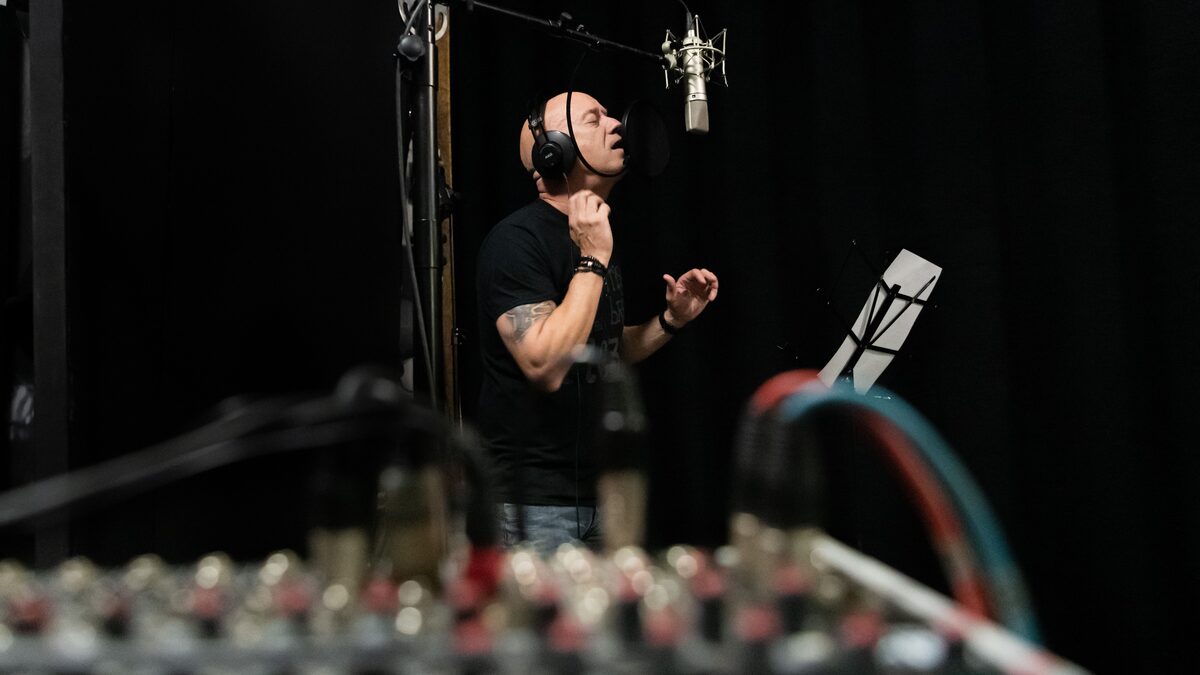
Most AI music tools do not sing. That single fact narrows the field faster than any feature list. When you start searching for a music generator, you find dozens of options, but the moment you decide you want actual vocals, a voice carrying words, the choices drop off sharply. A large share of these tools produce instrumentals only. They are excellent at beats, backing tracks, and mood pieces, and completely silent when it comes to a human sounding voice.
So before comparing prices or interfaces, the real question is which tools can sing at all, and how well. This guide is built around that question. It covers what to look for in a vocal capable generator, how the main kinds of tools handle voices, how to get better results once you pick one, and a simple framework for matching a tool to what you actually need. Specifics in this space change quickly, so treat the general shape here as the durable part and check current details on any tool before you commit.
Why vocals split the market in two
Generating a convincing singing voice is much harder than generating instrumental music. An instrument has a fixed timbre and plays notes. A voice has to pronounce words, follow a melody, breathe in believable places, and carry emotion, all at once, in a language the listener understands. Small errors that would pass unnoticed in a synth line become obvious the instant a voice mispronounces a word or lands a note flat.
Because of that difficulty, tools tend to fall into two camps. One camp focuses on instrumental and background music and does not attempt vocals at all. The other camp takes on the full challenge of singing and builds its whole product around turning your lyrics into a performed song. When you want vocals, only the second camp matters, and knowing that up front saves you from testing tools that were never going to sing in the first place.
What to look for in a vocal capable generator
Once you are looking at tools that can sing, a handful of qualities separate the ones worth your time from the ones that will frustrate you. Weigh these against what you plan to make.
Natural sounding voices. This is the whole point, so judge it first and judge it with your own ears. Generate a short test and listen for how human the voice feels. Does it phrase like a singer, with a sense of breath and timing, or does it sound stiff and mechanical? Are the high notes strained? Does the voice hold together across a full song, or does it wobble and change character partway through? A tool can look impressive in a demo and still produce thin, robotic vocals on your own lyrics, so always run your own test.
Control over lyrics. A vocal tool is only useful if it sings the words you want. Look for the ability to enter your own lyrics and have them sung accurately, in the order and phrasing you intended. Some tools also generate lyrics for you, which is handy when you are stuck, but the core feature is faithful delivery of text you supply. Watch for how the tool handles unusual words, names, and line breaks, since those are where mispronunciations creep in.
Language and accent range. If you write in a language other than English, or you want a specific accent or vocal style, check that the tool supports it before you invest time. Coverage varies widely. Some tools handle many languages well, others are strong in English and shaky elsewhere. The same goes for style, whether you want a smooth pop voice, a rough rock delivery, a rap flow, or a soft acoustic tone.
Style and genre flexibility. The best vocal tools let you steer the genre and mood, so the voice sits in the right kind of song. A ballad voice and a dance track voice are not the same, and a good tool gives you enough control to push toward one or the other. Look for style prompts, genre tags, or reference options that shape both the backing and the vocal delivery together.
Downloadable output. A song trapped inside an app is only half useful. To actually use your track, in a video, on a platform, in a playlist, you need to get the audio file out. Check that the tool lets you download your finished song, ideally in a common format like MP3 or a higher quality WAV. If a tool makes downloading difficult or locks it behind restrictive terms, that friction will slow down everything you do afterward. When you do get a file out, our downloader on the home page helps you save a clean copy of a Suno track for editing and sharing.
How the main kinds of tools handle vocals
It helps to picture the landscape as a few broad types rather than a long list of brand names. Each type treats vocals differently, and knowing the type tells you most of what you need before you even try it.
Full song generators that sing your lyrics. These are the tools built specifically to produce complete songs with vocals. You give them a description, a style, and usually your own lyrics, and they generate a track with a voice singing those words over matching music. This category is where the strongest vocal results live, because singing is the core of the product rather than an afterthought. If your goal is a song with a voice, start here. Suno is one well known example of this type, and tools in this group are the reason a downloader for finished tracks is worth having.
Instrumental and background music tools. A large group of generators focus entirely on music without vocals. They are aimed at background tracks for videos, games, podcasts, and ambient use, where a voice would get in the way. These tools can be excellent at what they do, and the lack of vocals is a deliberate design choice, not a flaw. If you ever see one of these marketed for songwriting, treat that with caution, because a great instrumental engine does not automatically make a great singer. For a vocal song, this category is simply the wrong shelf.
Voice and cover focused tools. A third type does not generate a whole song from scratch but works with voices in other ways, for example converting one voice into another or generating a vocal line to sit on top of existing music. These are more specialized. They can be powerful for particular jobs, like changing the character of a vocal you already have, but they are not the fastest route to a finished original song with singing. If your need is broad, a full song generator is usually the simpler starting point.
The practical takeaway is that when someone asks for the best AI music generator with vocals, the honest answer points almost entirely at the first type, full song generators that sing lyrics. The other types are useful, but for different jobs.
Tips for good AI vocals
Picking the right tool is half the work. The other half is how you use it, because the same generator can produce a flat, muddy vocal or a clear, expressive one depending on what you feed it. A few habits make a large difference.
Write singable lyrics. AI voices sing best when the words are easy to sing. Short, clear lines with a natural rhythm come out better than dense, tongue twisting text. Read your lyrics out loud before you generate. If you stumble over a line, the model probably will too. Simple, well spaced phrasing gives the voice room to breathe and lands more cleanly.
Be specific about style. Vague prompts produce vague vocals. Instead of asking for a good voice, describe the delivery you want, the genre, the mood, the energy, even a rough sense of the kind of singer. The more the tool understands about the target, the more the vocal will sit in the right pocket. Specific direction is how you steer away from a generic result.
Generate several takes. AI music is not deterministic, so the same prompt gives different results each time. Do not settle for the first output. Generate a handful of versions and pick the one where the vocal feels most alive. Small differences between takes, in phrasing, tone, and timing, add up, and the best take is often the third or fourth rather than the first.
Mind the pronunciation traps. Names, invented words, acronyms, and numbers are where AI voices stumble most. If a word comes out wrong, try spelling it differently to nudge the pronunciation, or rework the line to avoid the problem word. A little rewriting upstream saves a lot of frustration downstream.
Fix the rest in editing. No vocal take is perfect. Once you download the track, a free audio editor lets you smooth the ending with a fade, balance the levels, and clean up anything that distracts. The goal of the generator is to get you a strong take. Light editing afterward is what carries it the rest of the way to finished.
A framework for choosing by need
Rather than chasing one universal best tool, match your choice to what you are actually trying to make. Here is a way to think it through by need.
If you want complete original songs with singing, go straight to a full song generator that sings your lyrics. This is the main use case, and it is where vocal quality is highest. Prioritize natural voices and accurate lyric delivery over everything else, run your own tests with your own words, and confirm you can download the finished file. This path covers most people who search for a vocal capable generator.
If you mainly need background music for videos, streams, or podcasts, you probably do not need vocals at all, and an instrumental tool will serve you better and often more cheaply. Do not pay a premium for singing you will never use. Reserve the vocal tools for the moments you genuinely want a voice out front.
If you already have music and want to add or change a voice, look at the voice focused and cover tools rather than a full song generator. These handle vocal transformation and vocal lines on existing tracks, which is a different job from writing a song from nothing.
If you write in a specific language or need a particular accent, let that requirement filter your list first, before any other feature. A tool with wonderful English vocals is no help if it mangles the language you actually write in. Test the tool in your language early, on real lyrics, so you learn its limits before you rely on it.
If you are just exploring and not sure yet, start with a full song generator that has a free tier, write a few simple lyrics, and generate several tracks. You will learn more from ten minutes of real testing than from any feature comparison, and you will quickly feel whether the vocals meet your bar.
Save your finished vocal track
Once your generator sings the song you wanted, get a clean copy you can edit and share. Download your Suno track in a click.
Open the free downloaderTesting a tool before you commit
Because vocal quality is so personal, the smartest thing you can do is run a real test before you pay for anything or build a project around a tool. A short, honest trial tells you more than any review or demo reel, since demos are always the best case and your lyrics are not the demo.
Start by preparing a small test set. Write two short verses, one calm and one energetic, in the language you actually use, and include at least one line with a name or an unusual word. That single test set exposes most of what you need to know. Run it through the tool a few times and listen for the things that matter to you, the naturalness of the voice, the accuracy of the words, how the tone shifts between the calm and energetic lines, and whether the tricky word survives.
Pay attention to consistency across takes as much as to the best single take. A tool that produces one great vocal and four poor ones is harder to rely on than a tool that lands a solid result most of the time. You want something you can count on when a deadline is close, not a lottery you occasionally win.
Finally, test the whole path, not just the generation. Confirm you can get the finished audio out in a format you can use, and that the license terms fit how you plan to share the song. A wonderful vocal you cannot legally post, or cannot download cleanly, does not help you. Walking the full route once, from lyrics to a saved file you could publish, is the surest way to know a tool truly fits your need before you rely on it.
The honest bottom line
The best AI music generator with vocals is the one whose voices sound right to you on your own lyrics, in your own language, and lets you download the result to use it. That sounds obvious, but it cuts through a lot of noise. Marketing pages all promise impressive vocals. Your ears on a real test are the only measure that counts, so make testing the first step rather than the last.
Keep the landscape in mind as you shop. A large part of the market makes instrumentals only, so vocals immediately narrow your options to the full song generators built for singing. Within that group, weigh natural sound, lyric control, language range, style flexibility, and easy downloads. Then use the tips above to get the most out of whatever you choose, since the tool and the technique matter about equally.
Because this field moves fast, treat any specific claim about a named tool as something to verify rather than trust, and check current features, pricing, and terms before you rely on them. The principles here will outlast the details. Decide what you need, test with real lyrics, listen honestly, and pick the voice that makes your song feel like it is truly being sung. That is the whole job, and it is very doable.