Suno Downloader AI
How to extend and remix a song in Suno
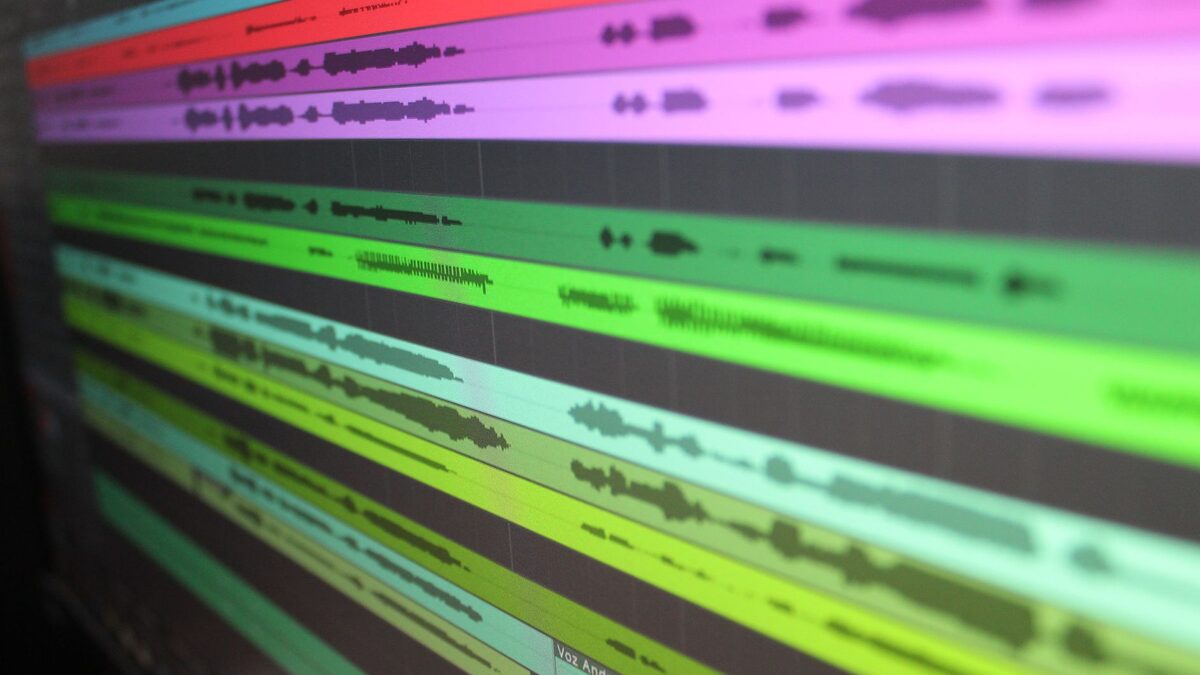
A first generation on Suno gives you a starting point, not a finished song. The tools that turn that starting point into a full track are extend and remix, and learning them is the step that moves you from making clips to making songs. This guide covers how to extend a song in Suno, how to continue it from a chosen point, how to make it longer, and how to remix a take with a new prompt, along with the habits that keep the result coherent.
What extend and remix do
The two tools solve different problems, and knowing which is which saves a lot of trial and error. Extend grows a song, adding more music from a point you pick, so you can turn a short take into a full arrangement or replace an abrupt ending with a proper one. Remix reworks a take with a new prompt while keeping its shape, so you can change the sound, the mix, or the mood without starting from a blank box. In short, extend adds length, and remix changes character.
How to extend a song in Suno
Extending is the tool you will reach for most, and the flow is simple once you have a take you like.
- Open the song in your library and find the extend option in its menu.
- Choose the point to extend from, usually the end of the current take.
- Add a short prompt for the new section if you want to steer it, or leave it to match.
- Generate, listen to the continuation, and keep it if it fits.
The result is the original take plus new music that follows on from it. You can extend more than once, building a song section by section, which is how a 60 second idea becomes a full track.
How to continue a song from a specific point
You do not have to extend only from the end. Suno lets you continue from a point you choose, which is useful when the last part of a take is weak but an earlier moment is strong. Pick the timestamp where the good part ends, extend from there, and the model carries on from that spot instead of the very end. This is the way to cut off a section that went wrong and grow the song in a better direction, without throwing away the take entirely.
How to make a song longer
Making a track longer is just extending with intent. Rather than one big extension, add music in stages: extend to add a second verse, listen, then extend again for a bridge, and once more for an outro. Working in steps keeps each new section under control and lets you stop when the length feels right. If you want a specific structure, prompt each extension for the part you need, such as a calmer bridge or a final chorus, and the song grows the way you planned rather than drifting.
Prompting each new section
An extension follows a prompt just like a first generation, so a few words steer where it goes. Leaving the prompt empty tells the model to continue in the same vein, which is fine when you just want more of the same. Adding a short direction shapes the new part: ask for a build, a key change, a quieter verse, or an instrumental break, and the model aims for it. Keep these prompts short and focused on the one thing that section should do, since a long prompt on an extension is as likely to confuse the model as a long one on a fresh take.
How to remix a Suno song
Remix is the tool for when the bones of a take are right but the sound is not. Open the remix option, write a new prompt describing the change you want, and the model reworks the existing take toward it while keeping its structure. Ask for a different genre, a new vocal style, a heavier mix, or a stripped back version, and you get a variation that still feels like the same song. Remix is the fastest way to explore a track in a new direction without losing the parts that already worked.
Extend versus remix: which to use
Choosing the right tool comes down to what you are trying to fix.
- Use extend when the song is too short, ends badly, or needs another section.
- Use remix when the length is fine but the sound, mood, or mix needs to change.
- Use both in sequence when a take needs to be longer and reworked, extending first, then remixing the whole thing.
If you are unsure, ask whether you want more song or a different song. More song is extend, a different song is remix.
Keeping the style consistent
The biggest risk when you extend is a new section that does not match the rest. A few habits keep a song coherent. Reuse the same style phrase across every extension, so the genre, tempo, and vocal stay in the same family. Extend in small steps rather than one long stretch, since a shorter continuation is easier for the model to keep on track. And listen at each step before you add the next, because catching a drift early is far easier than fixing it after three more sections have grown on top of it.
Fixing a bad ending
Abrupt or messy endings are one of the most common complaints, and extend fixes them directly. If a take just stops, extend from the end with a prompt asking for a gentle outro or a final chorus that resolves, and the model adds a proper close. If the ending rushes or falls apart, continue from just before it went wrong and let the song finish differently. A clean ending makes a track feel finished, and it is usually a one step fix rather than a full regeneration.
Adding a verse, bridge, or breakdown
Extend is also how you shape the arrangement, not just the length. To add a verse, extend with a prompt for another verse in the same style. For a bridge, ask for a change of feel, such as a quieter, stripped section, so it contrasts with the choruses around it. For a breakdown or a drop, prompt the energy shift you want at that point. Because you steer each extension, you can build a real song structure, with light and shade, instead of a single repeating idea stretched out.
Editing the lyrics as you extend
When you extend a song you wrote lyrics for, you can give the new section its own words. In custom mode, add the lyrics for the part you are extending into, marked with a tag like [verse] or [bridge], and the model sings them in the continuation. This is how you write a full song with real verses and a chorus that returns, rather than letting the model invent words for every new part. Keep the new lines in the same voice and rhyme style as the rest, so the song reads as one piece.
Smoothing the joins between sections
The seam where one section meets the next is where extensions can sound stitched together. Most of the time the model handles the transition well, but when a join feels abrupt, the fix is to redo that extension rather than accept it, since each generation gives a slightly different transition. Extending from a natural boundary, like the end of a chorus rather than the middle of a line, also gives a cleaner join. If a seam still bothers you after a few tries, a short crossfade in an audio editor on the downloaded file hides it completely.
Common mistakes when extending
A few habits cause most of the trouble.
- Extending in one huge step, which gives the model too much room to wander off style.
- Dropping the style phrase on later extensions, so the new part changes genre or vocal.
- Not saving good intermediate versions, so a bad extension leaves you with nothing to fall back on.
- Extending a weak take instead of regenerating, when the base itself was the problem.
- Ignoring the join, where a rough transition between sections needs another try rather than acceptance.
Start from the best base take
Everything downstream depends on the take you extend, so spend a little more effort on the first one. Generate a few times and pick the cleanest version rather than extending the first thing you hear, since a strong base makes every extension easier and a weak one drags the whole song down. Listen to both takes each run gives you, and choose the one with the right feel and the fewest rough spots. A minute spent picking a good starting take saves several rounds of fighting a shaky one later.
Extend or start over
Not every weak take is worth extending, and knowing when to start fresh saves credits. If the base take has the right feel and just needs more song, extend it. If the core sound is wrong, the vocal is off, or the mood misses, a new generation from a better prompt beats trying to extend your way to something the take never had. Extend builds on what is there, so it works best when what is there is good. When the foundation is shaky, a fresh start is faster than repair.
How long can a Suno song get
There is a practical ceiling rather than a hard one. Each extension adds a chunk of time, and you can keep going, but longer songs get harder to keep coherent, since every new section is another chance to drift. In practice, most tracks land in the normal song range of two to four minutes, which a few extensions reach comfortably. If you need something longer, such as a mix or an ambient piece, build it in more steps and accept that you will spend more effort holding the style together across the length.
Finer control with Suno Studio
For anyone who wants more than extend and remix offer, Suno Studio is the browser based editor that goes further. It brings timeline editing, control over sections, and the ability to generate and separate stems, which lets you rework parts of a track individually rather than regenerating the whole thing. It is more than a beginner needs on day one, but it is where extending and remixing turn into real arranging. If you find yourself fighting the basic tools to get a specific structure, Studio is the next step.
From a clip to a full arrangement
Put together, the workflow is a loop. Start with a strong short take, extend it a section at a time, keep the style phrase steady, and save each version you like as you go. When a section lands wrong, continue from the last good point rather than the very end. If the whole sound needs a change, remix the current version and carry on extending from there. A few rounds of that turns a one minute idea into a structured song, and the saving habit means a promising take is never lost to a bad next step.
Save your extended song
Once the song is the length and shape you want, get it out of the browser as a file. The free Suno downloader turns your Suno link into a clean MP3 or WAV with no account, so a finished arrangement is saved before a session fills up or a plan lapses. Take the WAV if you plan to edit or master the track, or the MP3 for listening. If you are still learning the basics of prompts and modes, our guide on how to use Suno AI covers them, and the one on how to download Suno songs covers formats and devices.
Finished a full arrangement?
Paste the Suno link, choose MP3 or WAV, and keep your song. Free, no sign up.
Open the free downloader